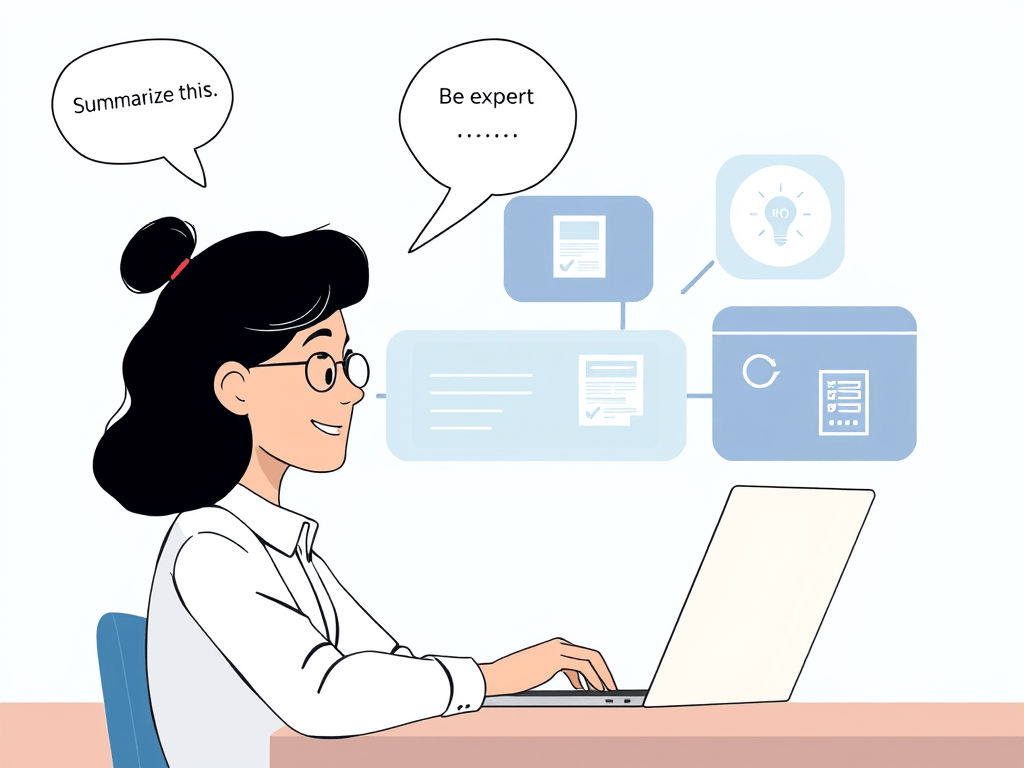
If you’ve ever opened ChatGPT or another AI tool and didn’t know what to type, you’re not alone. Prompting—the act of telling an AI what to do—is the single most important skill in using AI effectively. And the good news? Anyone can learn it.
Here’s a beginner-friendly breakdown of what prompting is, why it matters, and how to do it well.
What Is Prompting?
Prompting is how you communicate with an AI tool. It’s the instructions, questions, or context you give it to get a response. Think of it like talking to a super-smart assistant who’s waiting for clear direction.
Examples of prompts:
- “Summarize this report in plain English.”
- “Create a social media caption based on this article.”
- “Draft a professional email response for a declined job application.”
The better your prompt, the better your output.
Why Prompting Is So Important
Prompting is everything when it comes to using AI.
- A vague prompt leads to a vague answer.
- A well-crafted prompt saves you time, improves results, and unlocks AI’s full potential.
In short: AI is only as smart as the way you talk to it.
Whether you’re in HR, marketing, education, or entrepreneurship, learning to prompt well is a career advantage.
Prompting Basics: The Anatomy of a Good Prompt
- Be Clear and Specific
Bad: “Write something about hiring.”
Good: “Write a 150-word blog post explaining why onboarding is critical for employee retention.” - Set the Role or Tone
- “Act as an HR expert.”
- “Use a friendly but professional tone.”
- Define the Output Format
- “List format”
- “Bullet points”
- “Email subject line”
- “Social media caption”
- Give Examples or Context (if needed)
- Paste an article, transcript, or existing content for it to reference.
Prompt Templates to Try
- For writing:
“Act as a copywriter. Write a 3-sentence introduction for a blog post about [topic].” - For summarizing:
“Summarize this text into 3 key takeaways. Use simple language.” - For HR:
“Create an SOP for employee onboarding that includes tech setup, HR paperwork, and first-week goals.” - For planning:
“Create a 30-day content calendar for LinkedIn for an HR consultant focused on tech and leadership.”
Final Tips for Better Prompts
- Don’t be afraid to iterate. If the result isn’t what you want, tweak your prompt.
- Use follow-ups. You can say “make it shorter,” “add more data,” or “change the tone.”
- Save your best prompts for reuse later.
Bottom Line
Prompting is the new digital literacy. If you can learn how to ask better questions, you’ll get better answers—and open up entirely new possibilities in your work and creativity.
So next time you’re staring at that blinking cursor wondering what to type, start with this: “Act as a helpful expert…” and build from there.
You’re already on your way.
 DanielAguilarHQ.com